> ## Documentation Index
> Fetch the complete documentation index at: https://docs.openmindclub.com/llms.txt
> Use this file to discover all available pages before exploring further.
# 关注学友,不错过彼此的成长
> 关注感兴趣的学友,及时看到 ta 的新作业和讨论。
## 为什么关注?
同一门课上了好几期,有些名字反复出现在作业列表里。笔记写得好的那位同学,你记住了 ta,ta 未必知道。
关注之后,ta 交了新作业、发了新讨论,你就不会再错过。
## 如何关注?
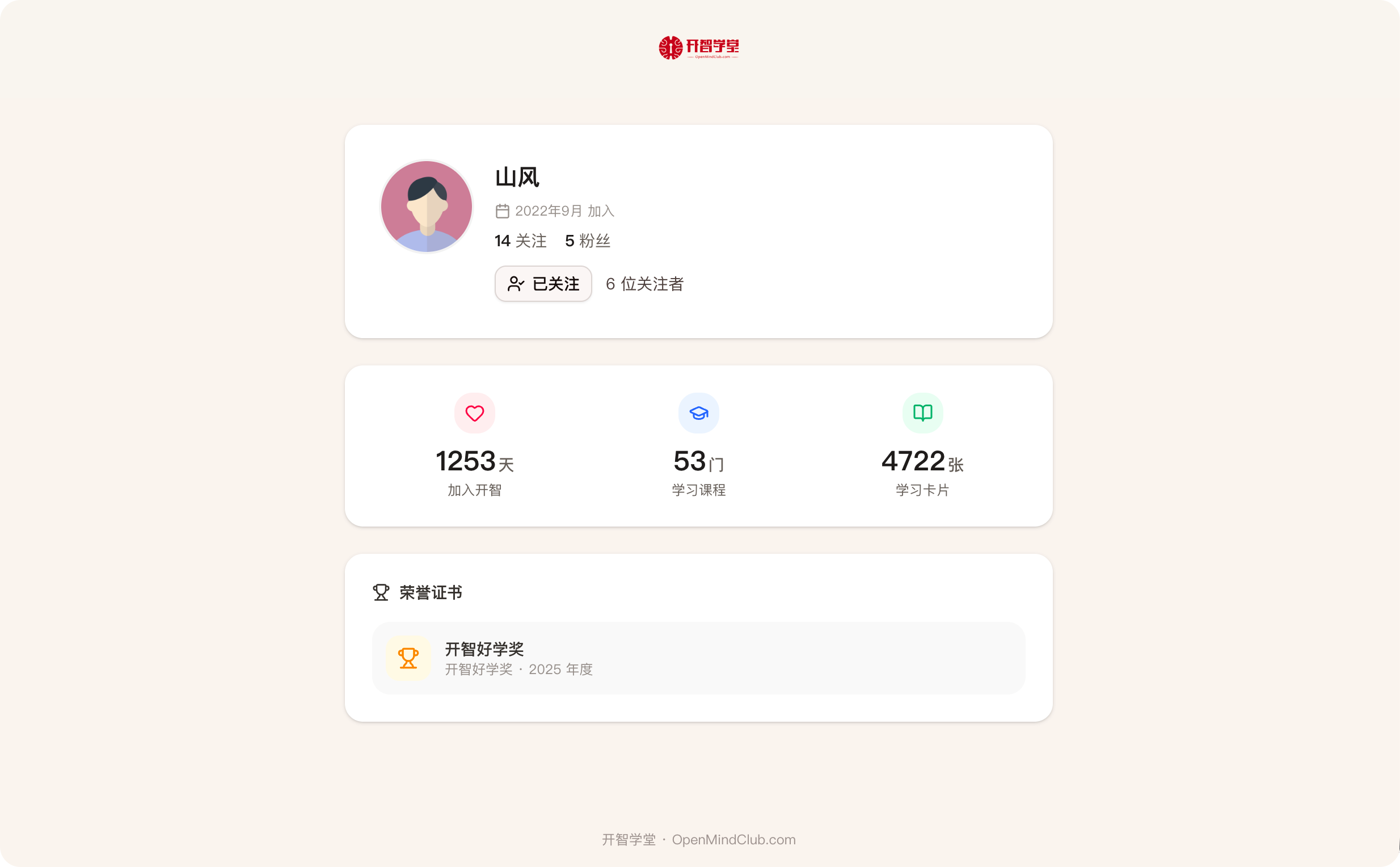
打开任意学友的个人主页,点击「关注」按钮即可。
你的关注列表和粉丝列表,在侧边栏头像 →「个人主页」中查看。
 ## 隐私说明
为了保护隐私,默认规则是:「我关注的人」「关注我的人」的具体名单,均为自己可见。他人只能看到数字,看不到名单。
关注是双向起点。关注了对方,才能给 ta 写手信。
## 隐私说明
为了保护隐私,默认规则是:「我关注的人」「关注我的人」的具体名单,均为自己可见。他人只能看到数字,看不到名单。
关注是双向起点。关注了对方,才能给 ta 写手信。